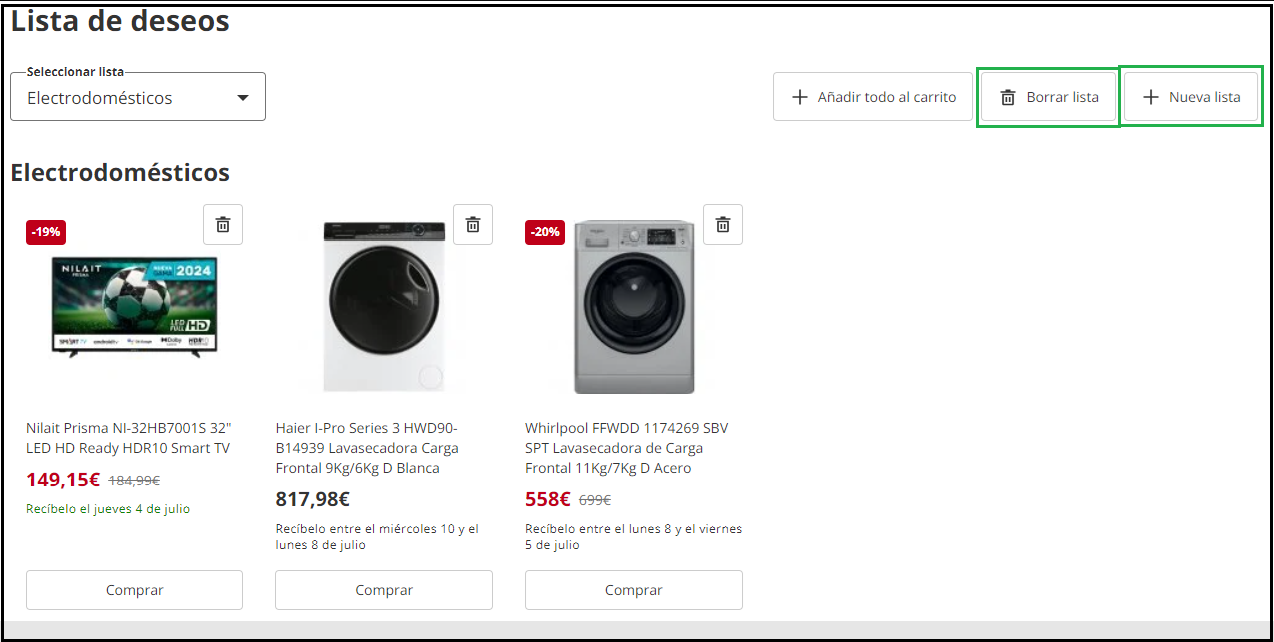
If you want to save items to a wishlist, you can do it in two ways:
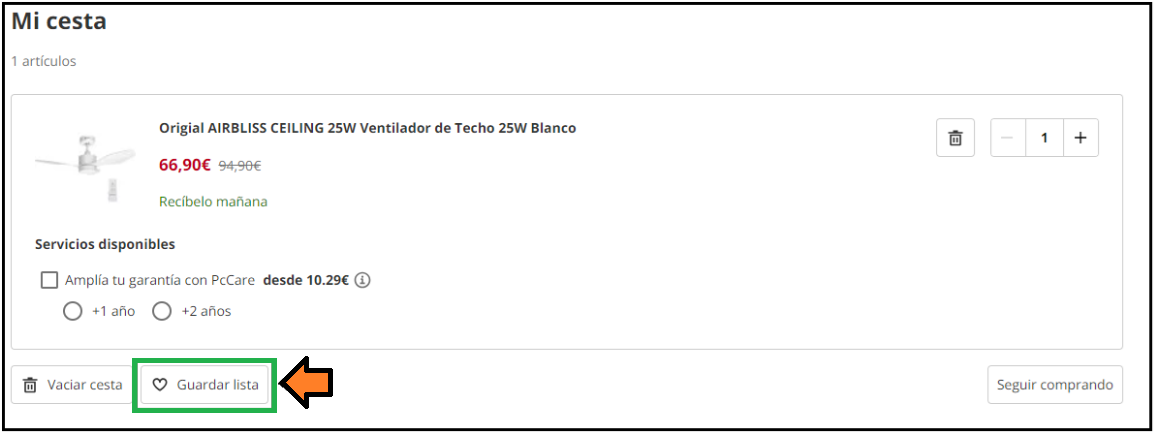
1. You can add all the products to the cart, and then, in the shopping cart, select the “Save List” option.
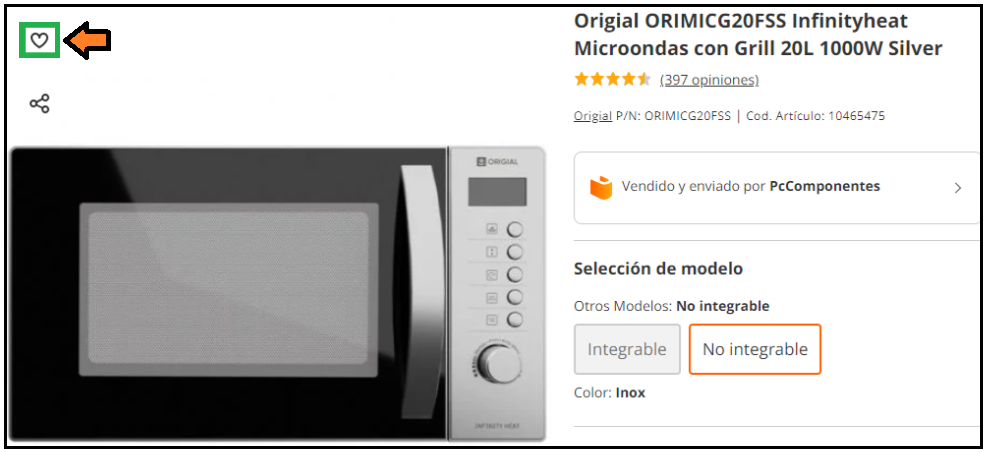
2. You can add the item directly to your wishlist from the product page itself by clicking on the heart icon:
You can have as many saved lists as you want. Please note that these are not firm orders, and therefore, stock and prices are not reserved. If you later convert the cart into an order, the availability or price of some items may have changed.
If a wishlist is no longer needed, you can delete it.
In the “Wishlist” section, find the one you want to delete, and click on the three-dot button at the top and select the “Delete” option.