When you make a payment by card, you can save your card details to make future purchases faster.
To delete your card details, follow these steps:
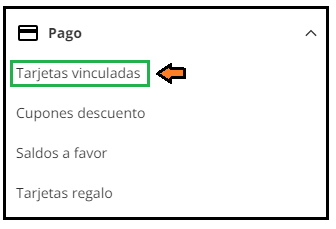
1. Log in to your customer account on PcComponentes and locate the section “Linked cards”.
Select the card you want to delete and click on the button shaped like a trash can.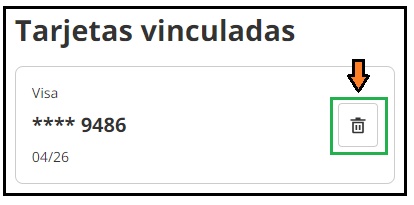
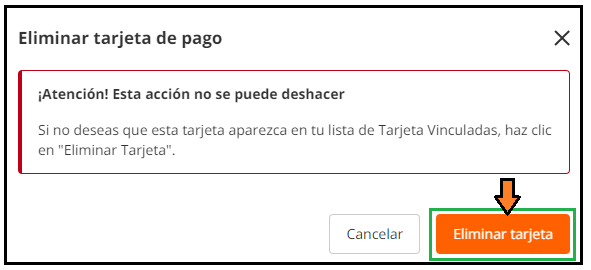
Confirm the deletion of the linked card by clicking on “Delete card”.